 Moth
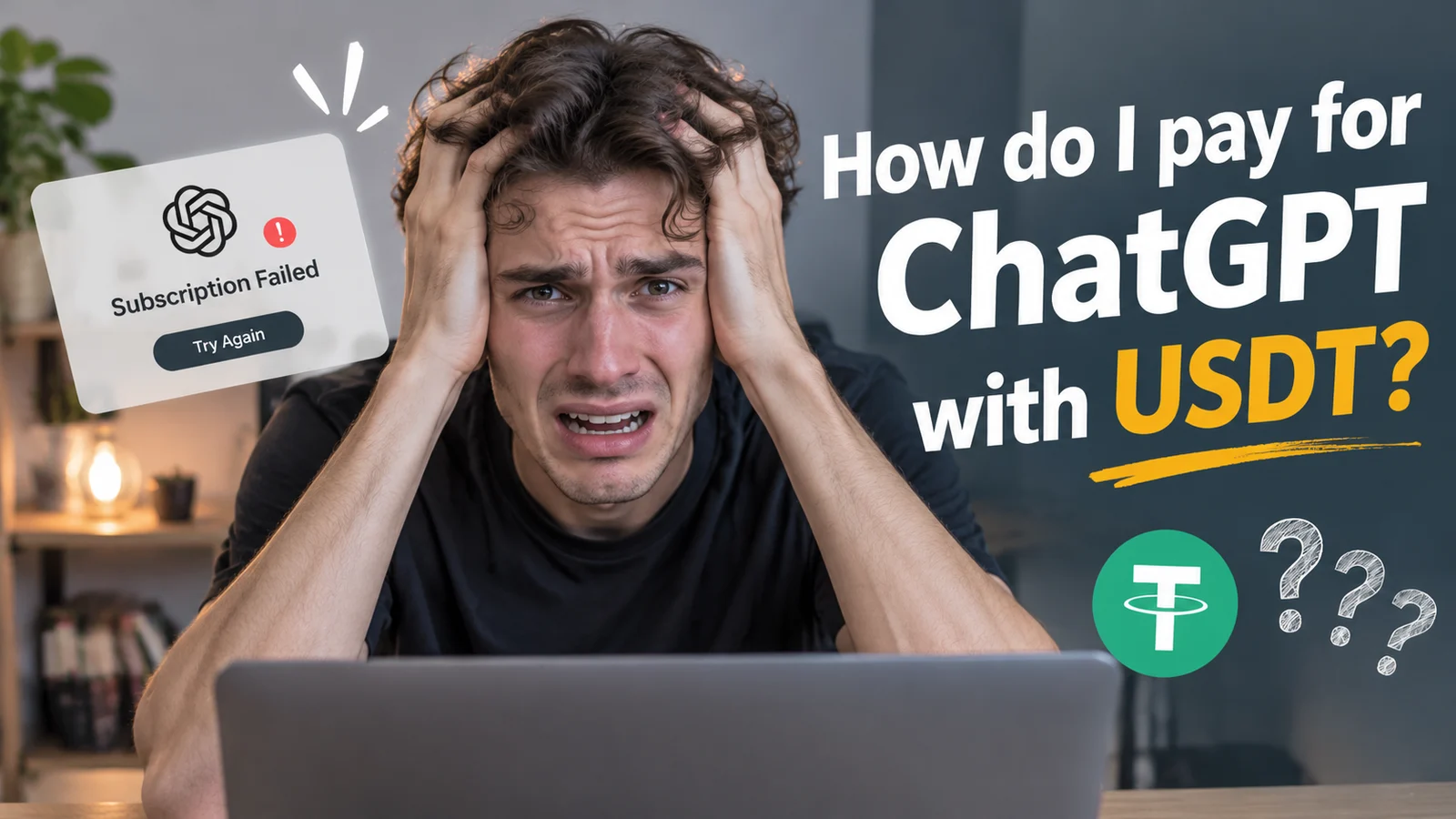
Only have USDT? Can you still pay for a ChatGPT subscription? Yes, but there's a catch: OpenAI doesn't accept USDT directly. You can, however, use USDT to top up a supported Visa or Mastercard and pay with it just like a regular card. In this guide, we'll walk you through the steps, explain regional restrictions, and show you how to fix the most common payment errors.
Before you get started, there are two things worth checking to avoid running into payment issues later:
- Is ChatGPT available in your country or region? Check OpenAI's list of supported countries and regions before signing up or making a payment.
- Was your card issued in a supported region? Even if ChatGPT is available where you live, your card must also be issued by a bank in a region where OpenAI accepts payments.
This isn't just a technicality. According to OpenAI's Help Center article “Why was my credit card declined?”, both your location and your card's issuing region matter when making a purchase.
Once you've checked these two things, you're ready for the next step. Let's walk through how to turn your USDT into a card balance and use it to pay for ChatGPT.
Before You Pay: Here's What You'll Need
Your pre-payment checklist
5 things to check01. Your USDT
USDT on a supported network
Make sure your USDT and network match what your card app supports. Sending funds through the wrong network could mean losing them for good.
02. Your Card
A verified Visa or Mastercard
Your card should support USDT top-ups and Visa or Mastercard payments. MothCard requires identity verification for all users.
Enough money on your card
Cover the subscription price plus any applicable fees. Remember, funds sitting in your wallet aren't available to spend until you transfer them to your card.
03. Your ChatGPT Account
A supported country or region
Check OpenAI's supported countries list to make sure ChatGPT is available where you live.
Matching billing details
Your name, billing address and postal code should match the details your card issuer has on file.
A quick heads-up before you go
DO NOT be tempted to use someone else's card or a shared ChatGPT account to get around regional restrictions. It could put your funds and account at risk. Curious why? Here's what you should know about letting someone else pay for your subscription.
How to Pay for ChatGPT with USDT: A Step-by-Step Guide
A simple 3-phase payment walkthrough
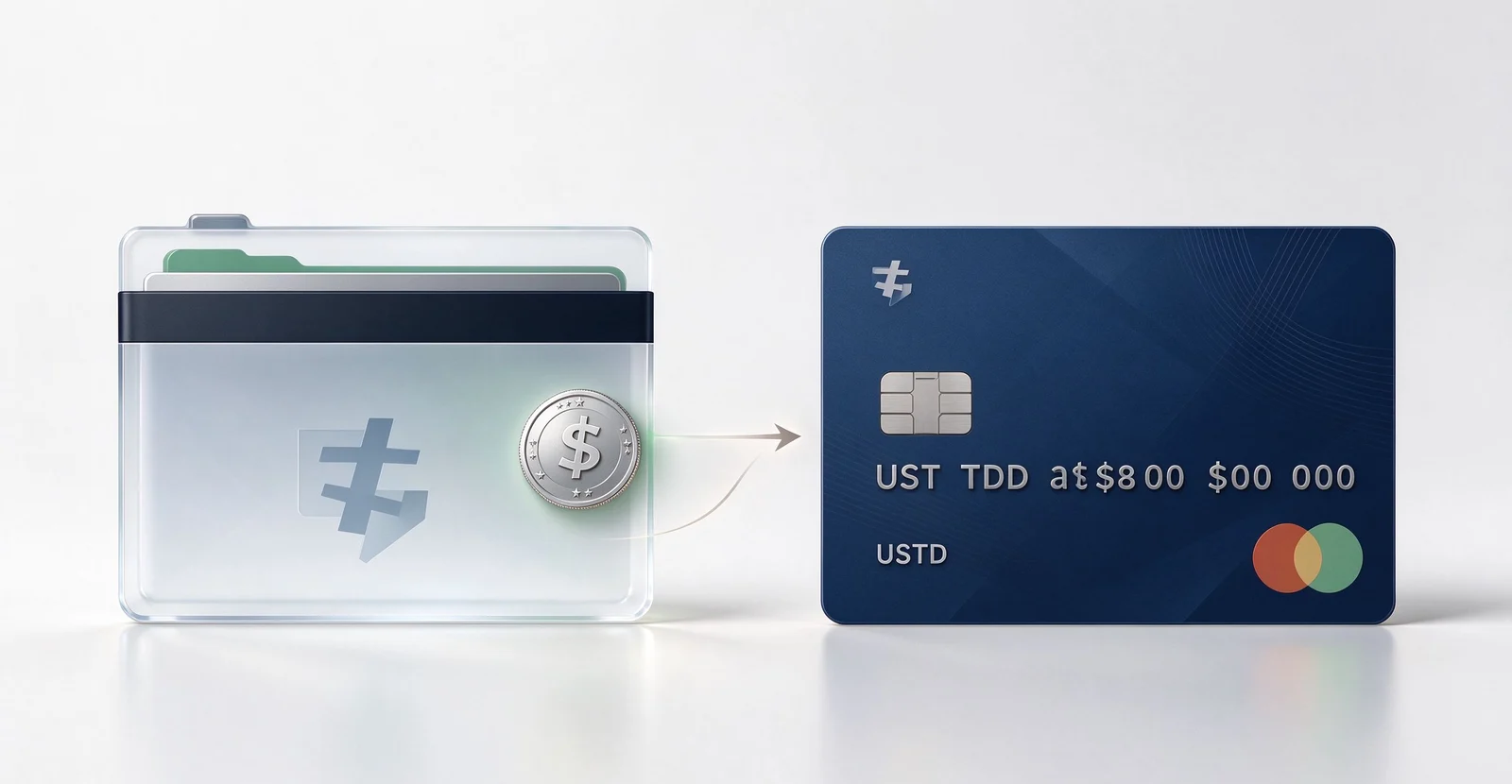
Fund Your Card
- 01
Get your USDT deposit details
Find your deposit address and supported network in your card app.
- 02
Send USDT to your wallet
Transfer USDT and wait for the required blockchain confirmations.
- 03
Move funds to your card
Transfer your available wallet balance to your card so it's ready for spending.
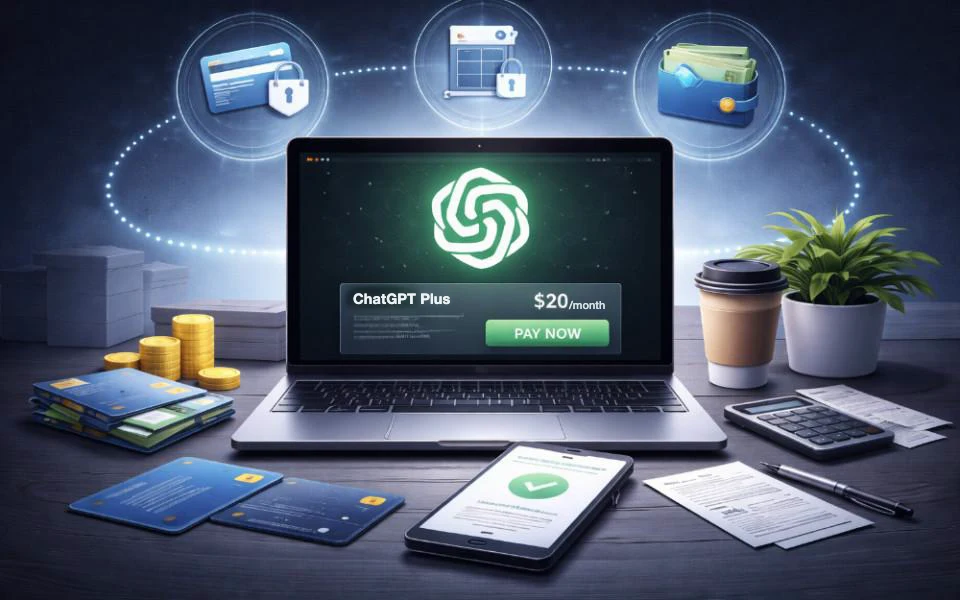
Pay on ChatGPT
- 04
Open ChatGPT checkout
Log in to your account, open the official billing page and choose your subscription plan.
- 05
Enter your card details
Fill in your card number, expiry date, CVC and required billing information.
- 06
Complete payment verification
Approve any 3D Secure (3DS), OTP or bank authentication prompts to authorize the payment.
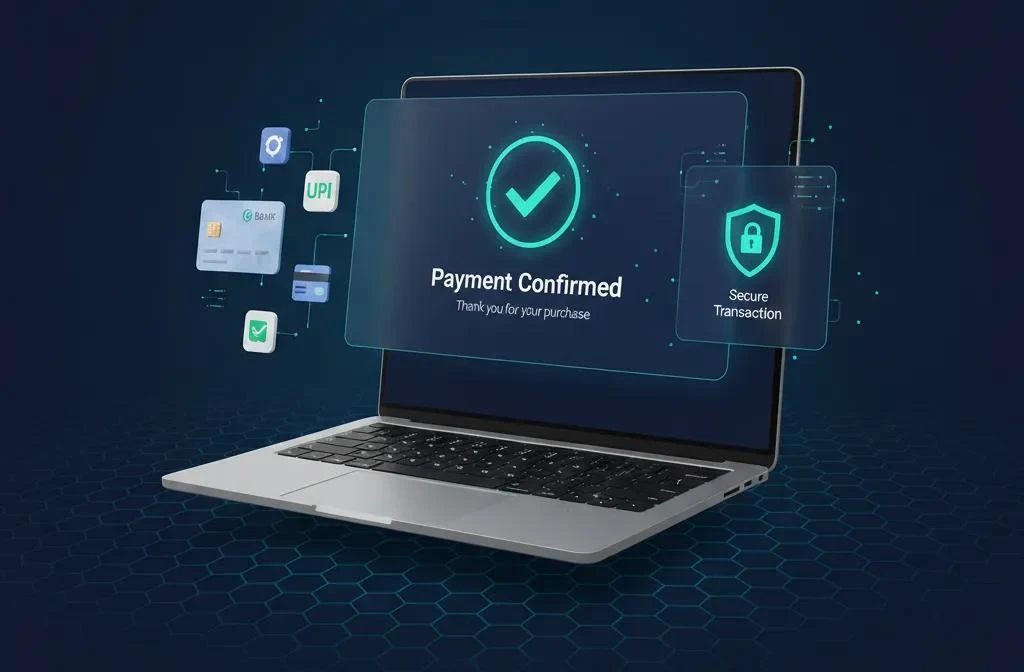
Confirm Your Subscription
- 07
Check your plan status
Head to ChatGPT settings and make sure your subscription is active and shows the plan you purchased. A bank notification alone doesn't confirm that your subscription has been activated.
Quick tip
If your payment appears successful but your account still shows the Free plan, check your subscription status before trying to pay again.
If you use MothCard, the wallets and settlement currency for each card are shown on the card page in the app; fees and limits are as shown in the app.
ChatGPT Card Declined? Common Payment Errors and How to Fix Them
| Error message | What it means | What to check |
|---|---|---|
| Payment declined | Your payment method was rejected during checkout. | Card details, billing address, available balance, spending limits, and issuer response. |
| Authentication required / 3D Secure failed | Bank verification wasn't completed. | Retry OTP or app approval. Check 3D Secure settings with your bank. |
| Prepaid card refused for API credits | Prepaid cards aren't accepted for API credit purchases. | Use a standard credit or debit card for API credits. |
| Bank shows success, but ChatGPT still says Free | The subscription upgrade may not have been completed. | Check your plan status. Contact OpenAI Support if it hasn't updated. |
Sometimes, getting ChatGPT to work isn't the hard part — paying for it is.
You've checked your card details, retried the verification code, and even contacted your bank, yet that payment error just won't go away. Frustrating, right?
For most users, the goal is simple: access ChatGPT and get things done, whether it's writing, studying, coding, or brainstorming. Nobody wants to waste hours struggling with payment issues just to use an AI tool.
So, if the checkout process is getting in your way, perhaps it's time to consider a more convenient way to access the AI tools you need.
A Simpler Alternative for Accessing AI Services
Most of the errors above come down to one thing: the card you're using wasn't built for this kind of payment. Swap in a crypto card built for AI subscriptions, and checkout stops being the hard part.
Meet MothCard
MothCard is a global card issuing platform offering Visa and Mastercard virtual and physical cards for individuals and businesses. With direct USDT funding, it provides a convenient way to pay for online services, SaaS tools, and AI subscriptions such as ChatGPT and Claude.
Why Choose MothCard?
- Your USDT becomes spending money. Top up your wallet with USDT and move it to your card. No currency exchange, no bank wire, no waiting on a transfer to clear.
- A virtual card that's ready when you are. Once your verification is approved, your virtual card is ready for online payments, so you can head straight to checkout.
- No surprises at checkout. Your card's issuing region and settlement currency are shown on the card page in the app, so you can check they suit ChatGPT before you pay.
- You stay in control. See your balance in real time, and freeze or unfreeze your card from the card details page whenever you need to.
- Real help, around the clock. If a payment doesn't go through, 24/7 one-to-one support is a tap away in the app.
Get Your USDT Virtual Card in Three Steps
- Download the app from the MothCard website or your device's official app store, and create your account.
- Complete identity verification by following the in-app instructions. You'll receive a notification once approved.
- Open a virtual card and top it up. From there, follow the three phases above to pay for ChatGPT.
MothCard brings card issuing, funding, and payment management together in one easy-to-use platform.
More help: why virtual cards get declined on AI subscriptions, is a no-KYC crypto card actually safe?, and risks of letting someone else pay for your subscription.
FAQ
Can I pay ChatGPT Plus directly with USDT from my exchange?
No. ChatGPT Plus does not accept direct USDT payments. You need a supported Visa or Mastercard, or an eligible Apple or Google billing method. You can use USDT to fund a compatible payment card first.
Does paying with USDT via a card hide my region from OpenAI?
No. OpenAI still checks regional availability and payment details. Use your actual country and matching billing information. A USDT-funded card does not bypass regional restrictions.
Can I pay OpenAI API bills with USDT just like ChatGPT Plus?
No. ChatGPT subscriptions and OpenAI API credits have different payment rules. OpenAI does not accept prepaid cards for API credit purchases, so check the API billing requirements separately.
Will a no-KYC USDT card work more reliably for ChatGPT?
No. Skipping identity verification does not guarantee higher payment success rates. No-KYC cards may also carry additional fund recovery risks. MothCard requires identity verification for all users.
What if my bank shows a charge but ChatGPT stays on the Free plan?
Check your subscription status and contact OpenAI Support with the payment details and error message. Never share your full card number or CVV.
Are fees lower when I pay ChatGPT with USDT?
Not necessarily. USDT top-ups, currency conversion, and card transactions may involve fees. Check the charges in your card app before confirming.
AI subscriptions
Cards that pay for ChatGPT and Claude
These six cards pay for ChatGPT and Claude subscriptions. Fund them from your USDT wallet, with no currency exchange or bank wire.
- Glow✓ ChatGPT · ClaudeCard number at checkout
- Pulsar-2✓ ChatGPT · ClaudeCard number at checkout
- Pulsar-1✓ ChatGPT · ClaudeCard number at checkout
- Sapphire✓ ChatGPT · ClaudePay with Google Pay
- Beam✓ ChatGPT · ClaudePay with Google Pay
- Lumen✓ ChatGPT · ClaudePay with Google Pay
Acceptance can change with the merchant, the card network and risk rules, so no payment is guaranteed. Fees and limits are shown in the app.
See all cards →