 Moth
MothYour global spending card
Spend Crypto Anywhere
Top up your wallet, get a Visa or Mastercard card, and pay wherever those networks are accepted online.
Set up in minutes · Accepted worldwide
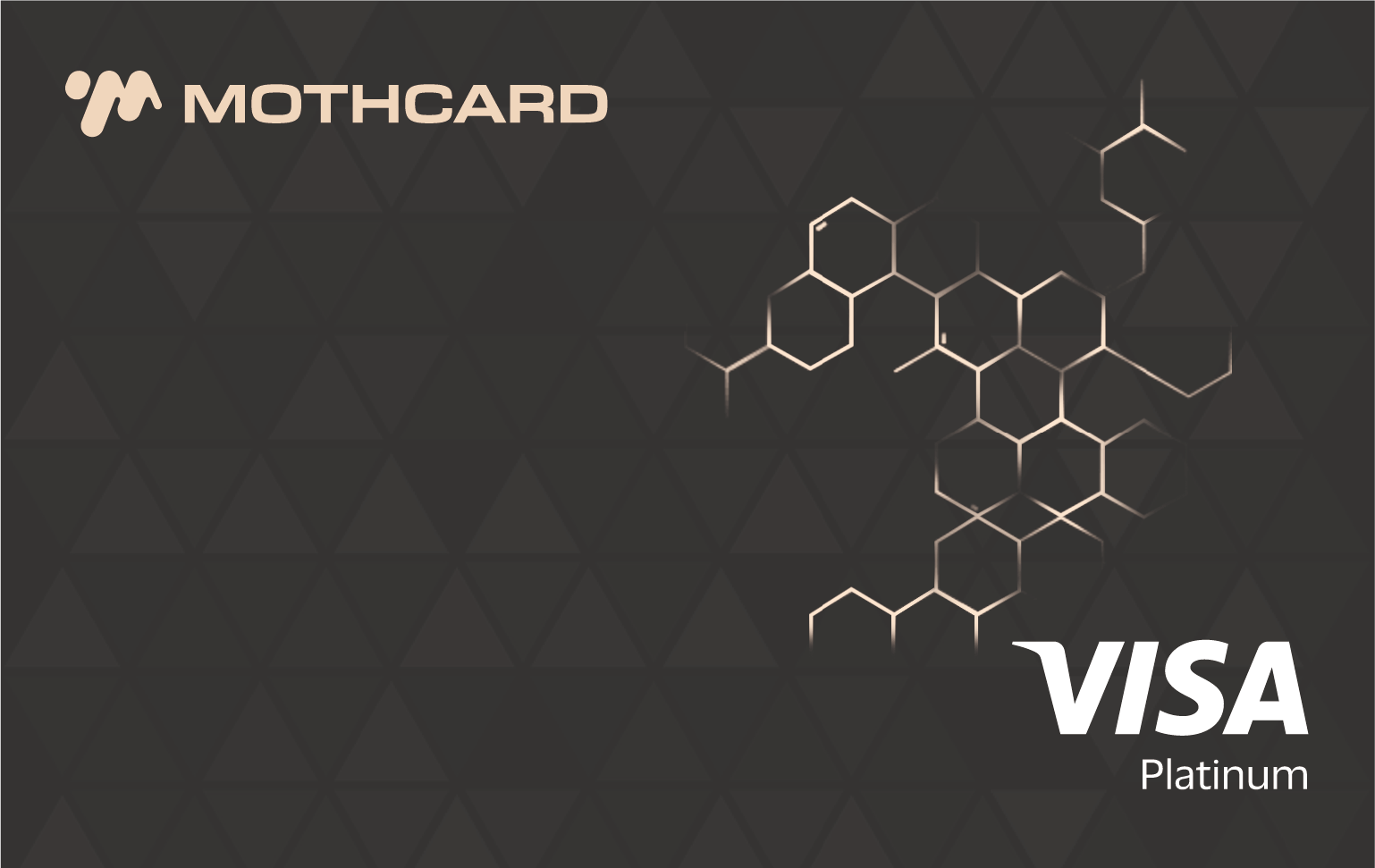
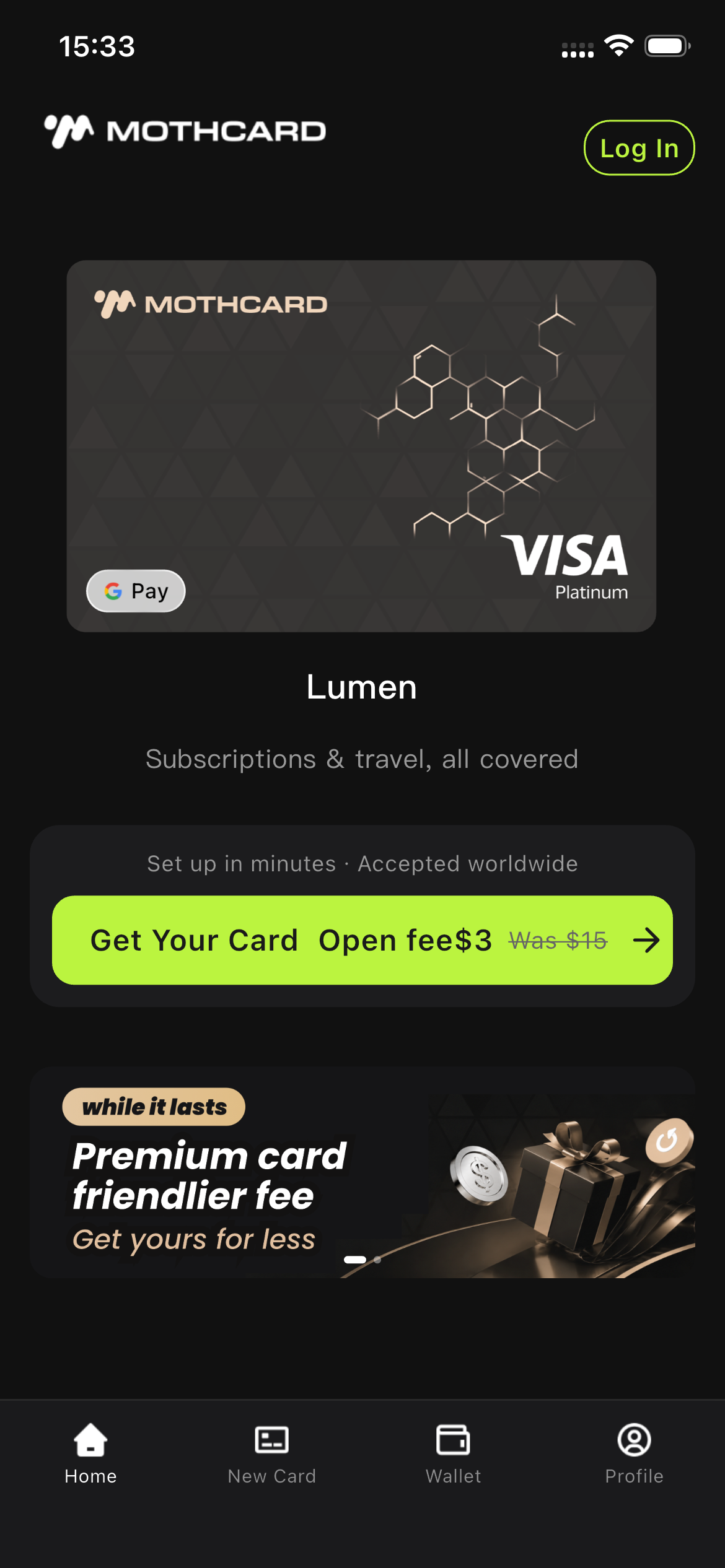
What MothCard is
A card funded by your balance.
MothCard is a spending card funded from your wallet balance. You top up the wallet in the app, move part of it onto a card, and pay at online merchants that accept Visa or Mastercard. There is no bank account to open and no conversion to arrange before you buy.
It is built for people whose funds do not sit in a traditional bank account and who still need to pay for online services — ad platforms, cloud bills, AI tools, subscriptions and everyday shopping.
Compliant by design
Opening a card includes a one-time identity check, in line with anti-money-laundering and sanctions screening requirements.
USD settlement
Cards settle in US dollars. The issuing region varies by card and is shown on its page in the app.
Ready as soon as it's approved
A card can be used the moment it is approved.
What it works with
Card networks
Cards are issued on Visa or Mastercard, so they are accepted at online merchants that take either network.
Phone wallets
Add a card to Apple Pay or Google Pay and pay from your phone as well as at checkout. Which wallets a card supports is shown on its page in the app.
What you get
A card that just works.
Everything happens in the app — apply, top up, spend, and keep control of every card you hold.
Visa and Mastercard cards
Pay at any online merchant that accepts Visa or Mastercard. Add a card to Apple Pay or Google Pay to use it in more places.
Fund it your way
Top up your wallet, then move funds onto a card. Wallet and card balances stay separate and are shown separately.
Card details on demand
View the full card number and security code in the app. We ask you to confirm it is you first, and they are hidden again shortly after.
Freeze and unfreeze anytime
Freeze a card from its detail page the moment something feels off, and unfreeze it yourself when you want to use it again.
One-step sign-in
Use your email, Apple or Google to sign in. Turn on Face ID or fingerprint and daily access takes one step.
Every transaction on record
Payments, fees and merchant refunds appear in your history with the amount, merchant and status, so you can check anything that looks off.
Questions
Before you apply.
What is MothCard?
MothCard is a spending card. Top up your wallet, apply for a Visa or Mastercard, and spend anywhere those card networks are accepted worldwide.
How do I get started?
Just four steps: (1) sign in with your email, Apple, or Google; (2) pick a card that suits you and complete identity verification; (3) top up your wallet; (4) load funds from your wallet onto your card, and you are ready to spend.
Where can I use the card?
You can use the card at any online merchant that accepts Visa or Mastercard. Some countries or regions may have restrictions; contact support if you are unsure.
Where can I download safely?
Only download from the MothCard website (www.mothcard.io) or the official app store on your device. Never install packages sent in chat groups, from strangers, or from third-party marketplaces — they may be tampered with and could compromise your account.
Get started
Spend Crypto Anywhere.
Available on iOS and Android. Download only from the links below, from the update prompt inside the app, or from your phone's own app store.
The APK is the same Android build, for phones without Google Play. Install it only from this page.